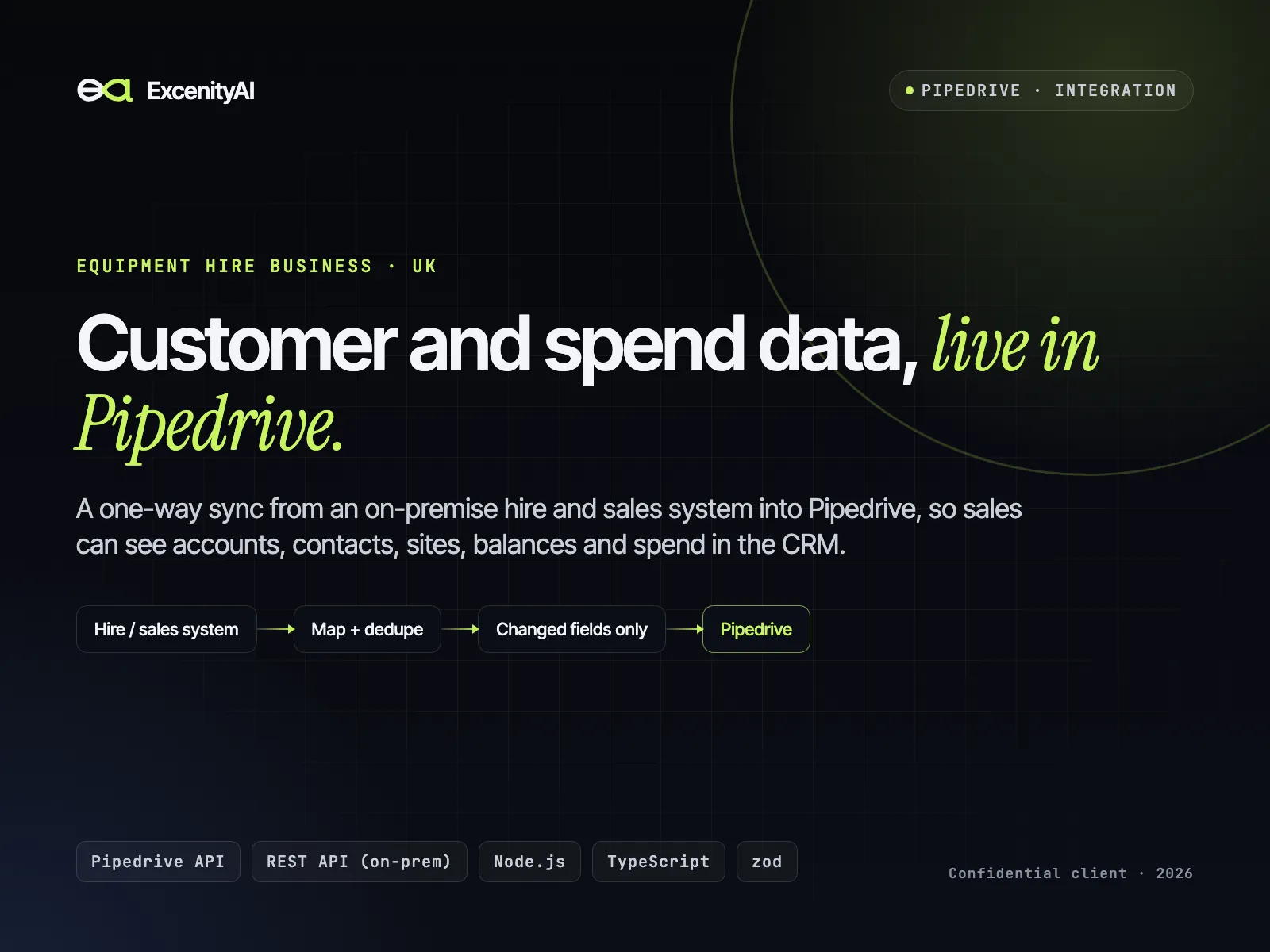
Pipedrive integration: daily construction-project lead sync
We built a daily sync that turns UK construction-project data into Pipedrive leads, organizations and people for a construction-products supplier, with no duplicates and no manual entry. A one-off backfill imported 2,252 new leads in a single unattended run with zero failures. It costs about $5 a month to host.
By ExcenityAI · Published

The challenge
The sales team found construction projects in a data platform, worked out which contractors and engineers were involved, and keyed them into Pipedrive by hand.
How it works
- 01Tagged projectsProjects the team tags in the data platform are pulled in, then re-tagged as synced.
- 02Saved searchesNew matches from the sales team's saved searches in the last 24 hours are added.
- 03Fresh dataProjects republished recently are refreshed, keeping the owners and labels the team set.
- 04Right companies and peopleRoles are filtered, the main organization and contact chosen, and extra contacts added by job title.
- 05Lead written to PipedriveValue, dates, a source link and a materials-matched note, with up to 15 linked organizations.
- 06Alerts if anything failsFailures and long backfills report by email so nothing breaks silently.
What we delivered
2,252 leads backfilled
A one-off import ran 9h 42m unattended with zero failures and hourly progress emails.
Zero duplicates by design
Dedupe by source ID, email and name plus organization, so every re-run updates and never repeats.
Safe to test
Dry-run mode shows exactly what would be written before anything touches the CRM.
Built for API limits
A rate-limited client with exponential backoff on 429s, 5xx errors and network errors.
Value roll-ups
Organization totals (project value, lead count) are recomputed daily for account planning.
About $5 a month to run
A small cloud worker on a schedule, with no database needed. Around 180 automated tests.
Stack
- Pipedrive API v1 + v2
- Barbour ABI API
- Node.js
- node-cron
- DigitalOcean
- Resend
Related service: CRM & integrations
Related guide: How to sync data into Pipedrive without duplicates